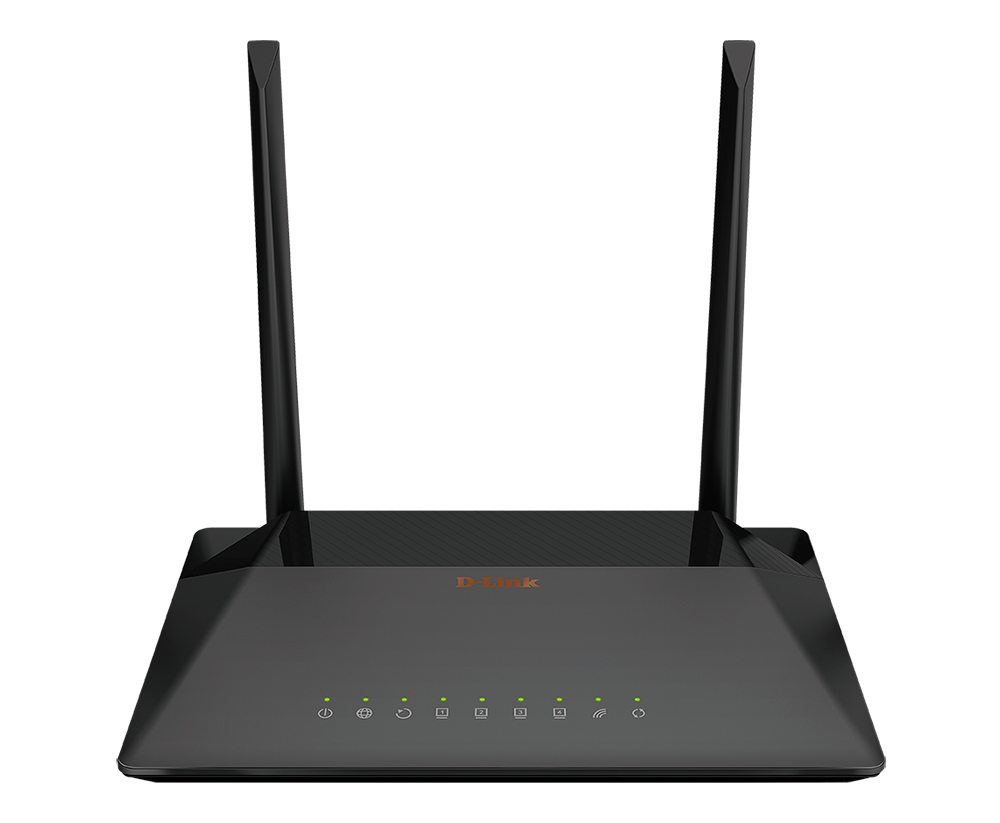
DSL-224
Wireless N300 VDSL2 Router with ADSL2+/Ethernet WAN Support , DSL Port and 4-port Switch, Ethernet WAN Support , MU-MIMO 2 x 2
- SKU: DSL2241234564S
DSL Port and 4-port Switch, Ethernet WAN Support
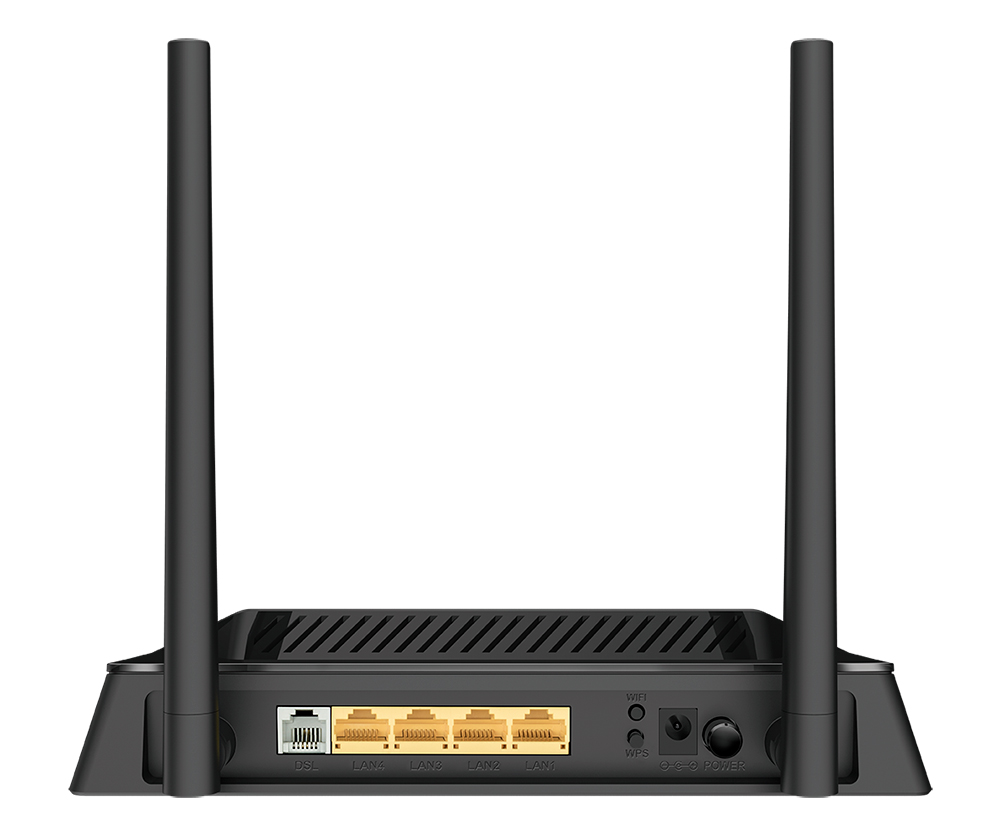
The router is equipped with a DSL port to connect to a high-speed VDSL line. The built-in 4-port switch enables you to connect Ethernet-enabled computers, game consoles, and other devices to your network. In addition, any Ethernet port of the device can be used to connect to a private Ethernet line.
Wireless Interface
Using the DSL-224 device, you are able to quickly create a wireless network at home or in your office, which lets computers and mobile devices access the Internet virtually anywhere (within the operational range of your wireless network). The router can operate as a base station for connecting wireless devices of the standards 802.11b, 802.11g, and 802.11n.
Secure Wireless Connection
The router supports multiple functions for the wireless interface: several security standards (WEP, WPA/WPA2), MAC address filtering, WPS, WMM.
In addition, the device is equipped with a button for switching the Wi-Fi network off/on. If needed, for example, when you leave home, you can easily switch the router’s WLAN by pressing the button, and devices connected to the LAN ports of the router will stay online.
Advanced Capabilities of Wireless Network
Smart adjustment of Wi-Fi clients is useful for networks based on several D-Link access points or routers – when the smart adjustment function is configured on each of them, a client always connects to the access point (router) with the highest signal level.
Support of guest Wi-Fi network allows you to create a separate wireless network with individual security settings and maximum rate limitation. Devices connected to the guest network will be able to access the Internet, but will be isolated from the devices and resources of the router's LAN.
Security
The wireless router DSL-224 includes a built-in firewall. The advanced security functions minimize threats of hacker attacks, prevent unwanted intrusions to your network, and block access to unwanted websites for users of your LAN.
Easy configuration and update
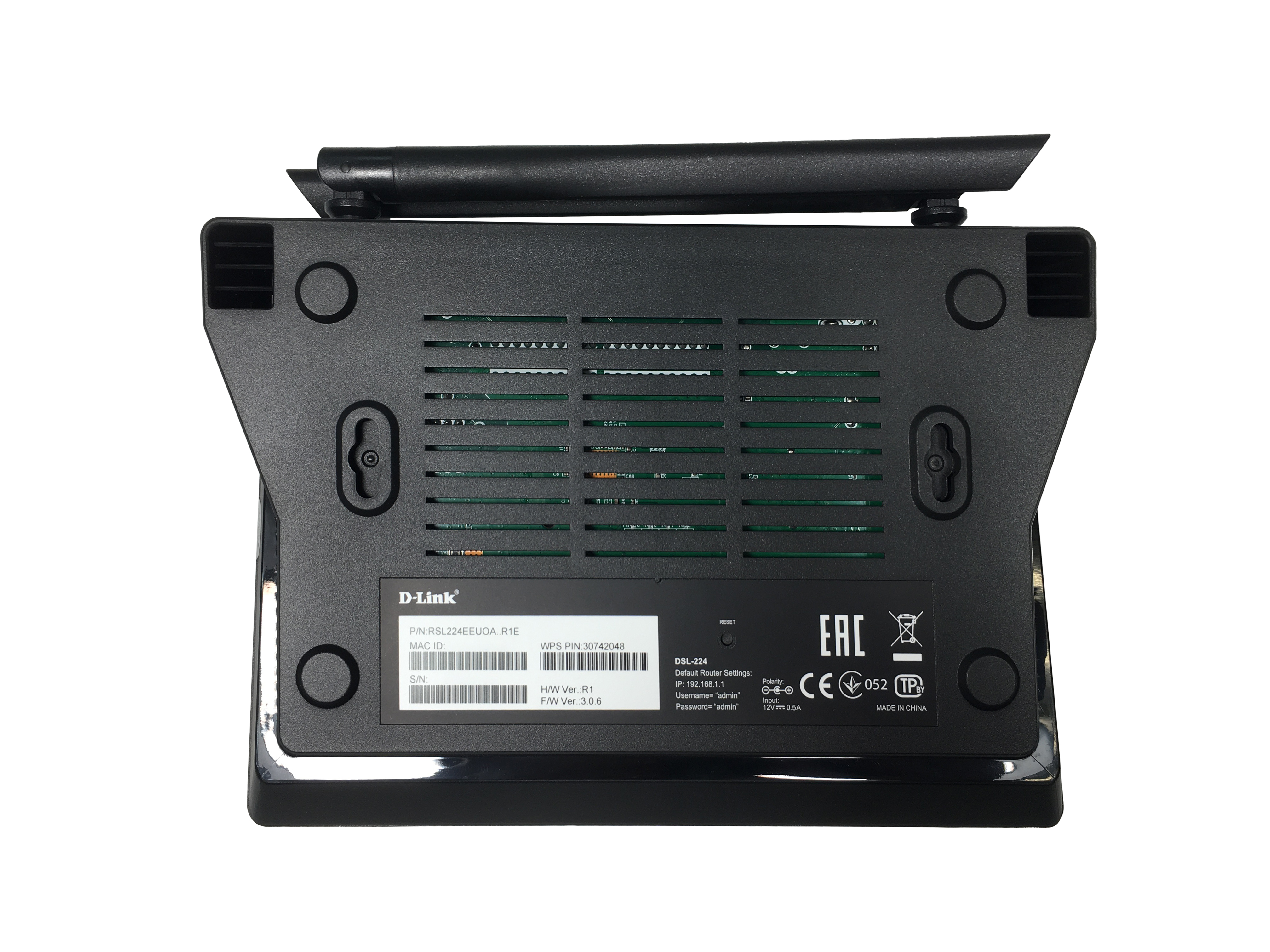
You can configure the settings of the wireless router DSL-224 via the user-friendly web-based interface (the interface is available in several languages).
The fast and easy configuration wizard allows you to specify all needed parameters in several simple steps.
Also DSL-224 supports configuration and management via mobile application for Android smartphones.
You can simply update the firmware: the router itself finds approved firmware on D-Link update server and notifies when ready to install it